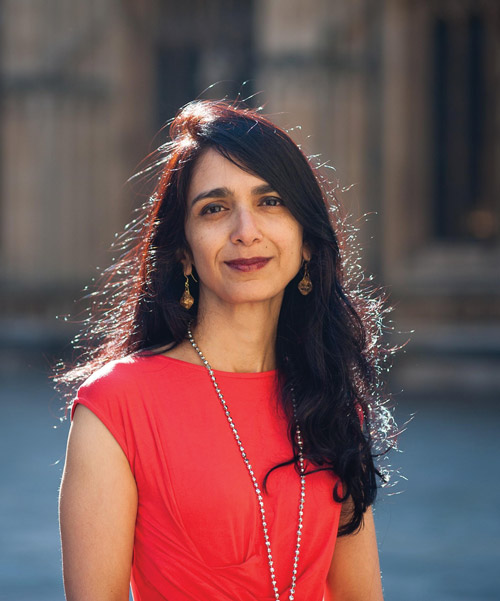
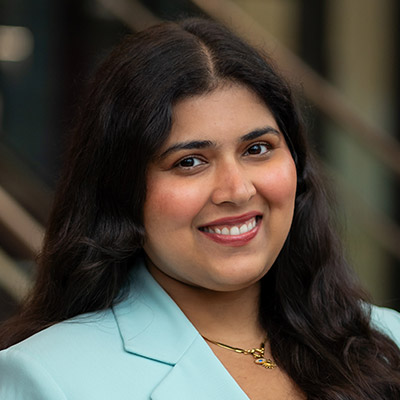
 Ranjita is Executive Chair of the Oxford Global Partnership, advising investors, businesses, family offices and entrepreneurs on sustainable, inclusive and responsible value creation. A Business Fellow at Oxford University’s Smith School, Ranjita engages with companies on pursuing value with values, and teaches a postgraduate “Essentials of ESG & DEI” course.
Rajan’s passion and professional raison d’être is supporting and shaping imaginative organizations and businesses as exemplars of outstanding value creation, responsible governance and equitable, inclusive net-zero sustainable development (“NZSD”). Over a decade at McKinsey & Co, Rajan advised public, private and family-owned businesses in retail, telecoms, energy, mining, banking, finance on value creation. She was a founding member of McKinsey’s Climate Change Special Initiative, today its Sustainability Practice. Rajan started her career as a macroeconomist in Africa and Asia, negotiating financing for structural adjustment and sustainable development projects and laying the foundations for NZSD as a non-negotiable.
Rajan is also Founder of the Karta Initiative, a global social mobility movement, building technology, finance, and networks to bridge the divide between ‘base of pyramid’ youth and world leading universities and employers in Canada, India and the UK.
Rajan’s passion for inclusive prosperity comes from a childhood spent in rural, remote Liberia where she witnessed how accident of birth is a key driver of life outcomes. Here, she saw firsthand how the basic necessities, such as running water and electricity, are markers of privilege for many people. At the same time, Rajan says “even a tiny drop of opportunity and access to education or training” can make a tremendous difference to nurture potential and improve equality of outcomes.
“In the early days of Karta, we reached out to Canadian universities to explore their interest in international inclusion, and I was introduced to Barry. It did not take long to realize we were totally, utterly mission aligned,” she says. “What we wanted – and are both still working hard to achieve – is the removal of barriers to opportunity so a more representative group of young people can excel and thrive in world class environments.”
As a member of Huron’s Board, Rajan is excited to support Huron as a world class university, globally celebrated for its world class education and advancement of inclusive prosperity, social mobility, and equitable NZSD.









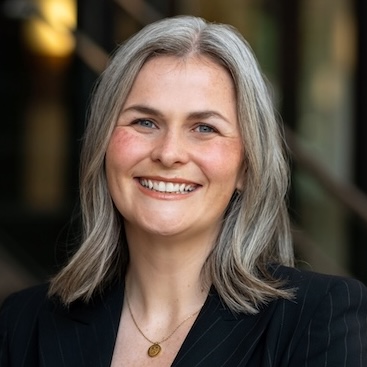

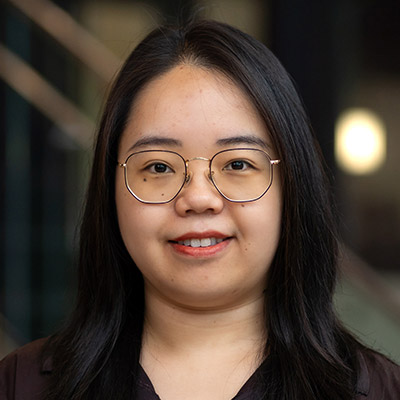
 Lisa Jones Keenan is the Vice President of Sales at Xplornet Communications, the largest rural fixed wireless broadband service provider in Canada.
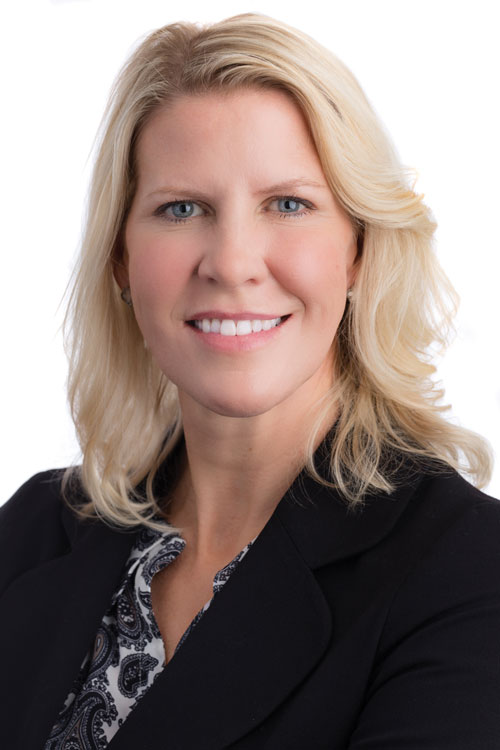 Leigh Allen is the AVP, Global Strategic Research, Reinsurance Group of America Inc., one of the world’s largest global life and reinsurance companies.
 Yola Ventresca is a Managing Partner, Lerners LLP, Secretary of Huron’s Board of Governors and a Huron Class of ’02 alumni. Selected as one of Canada’s “Best Lawyers,” she is passionate about the value of Liberal Arts in helping students succeed in their careers.
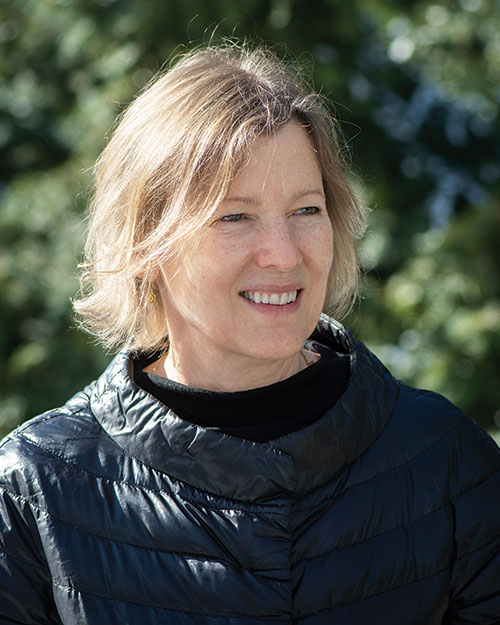 Susan Farrow is an Assistant Professor in The Temerty Faculty of Medicine at the University of Toronto and a Founding Partner and Co-Director of The Toronto Institute of Group Studies, an organization offering certified training and education in group leadership.
 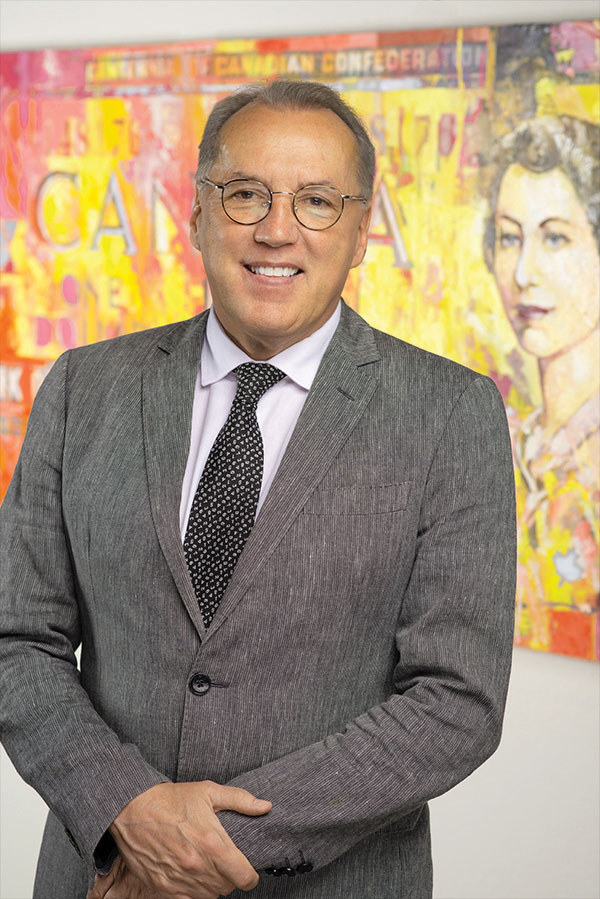 Frank Holmes is CEO and Chief Investment Officer of U.S. Global Investors, as well as a business commentator, philanthropist and Huron Class of ‘78 alumnus. Holmes also serves as the Executive Chairman of HIVE Blockchain Technologies, the first cryptocurrency mining company to go public in 2017.
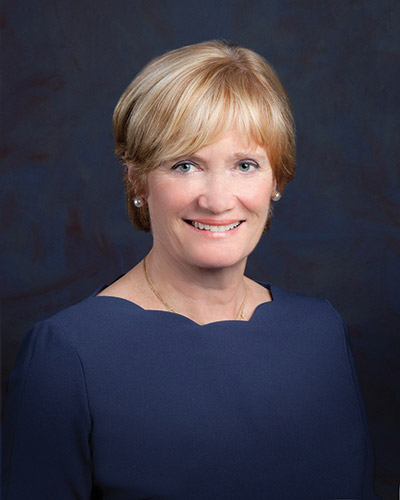 Kelly Meighen is an experienced philanthropist and volunteer. In her role as president of the T.R. Meighen Family Foundation, she has created a legacy of volunteerism and philanthropic giving in the areas of youth mental health advocacy, environmental conservation and cultural vibrancy.
 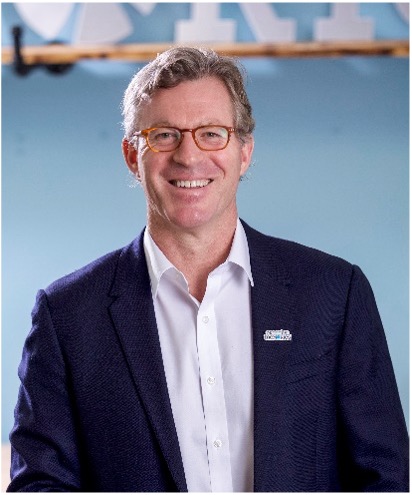 Caleb Hayhoe is the Founder & Chairman of Flowerdale Group and a Huron Class of ’85 Alumnus. Flowerdale Group is a Hong Kong based family office with a global investment outlook across public markets, real estate and private investment. Hayhoe previously spent over ten years building a global sourcing business together with an exceptional team, and remains committed to entrepreneurialism and helping great ideas become sustainable companies.